

LazyBar App: Mobile Casino and Sportsbook Experience
The LazyBar app sits at 4.9/5 on Google Play, drawn from 29,401 reviews, with over a million downloads and a #1 ranking in the Casino category. Behind that number sits the full catalogue: 6,000+ titles from 111 providers, 308+ live dealer tables, the in-house Lazybar Originals studio, and a sportsbook covering 10+ sports plus esports, all running from a single account.
iOS compatibility is confirmed by the operator. The Android build is published under IGAMING AGENCY on Google Play, and there’s also a direct install link in the site footer if you’d rather skip the store.
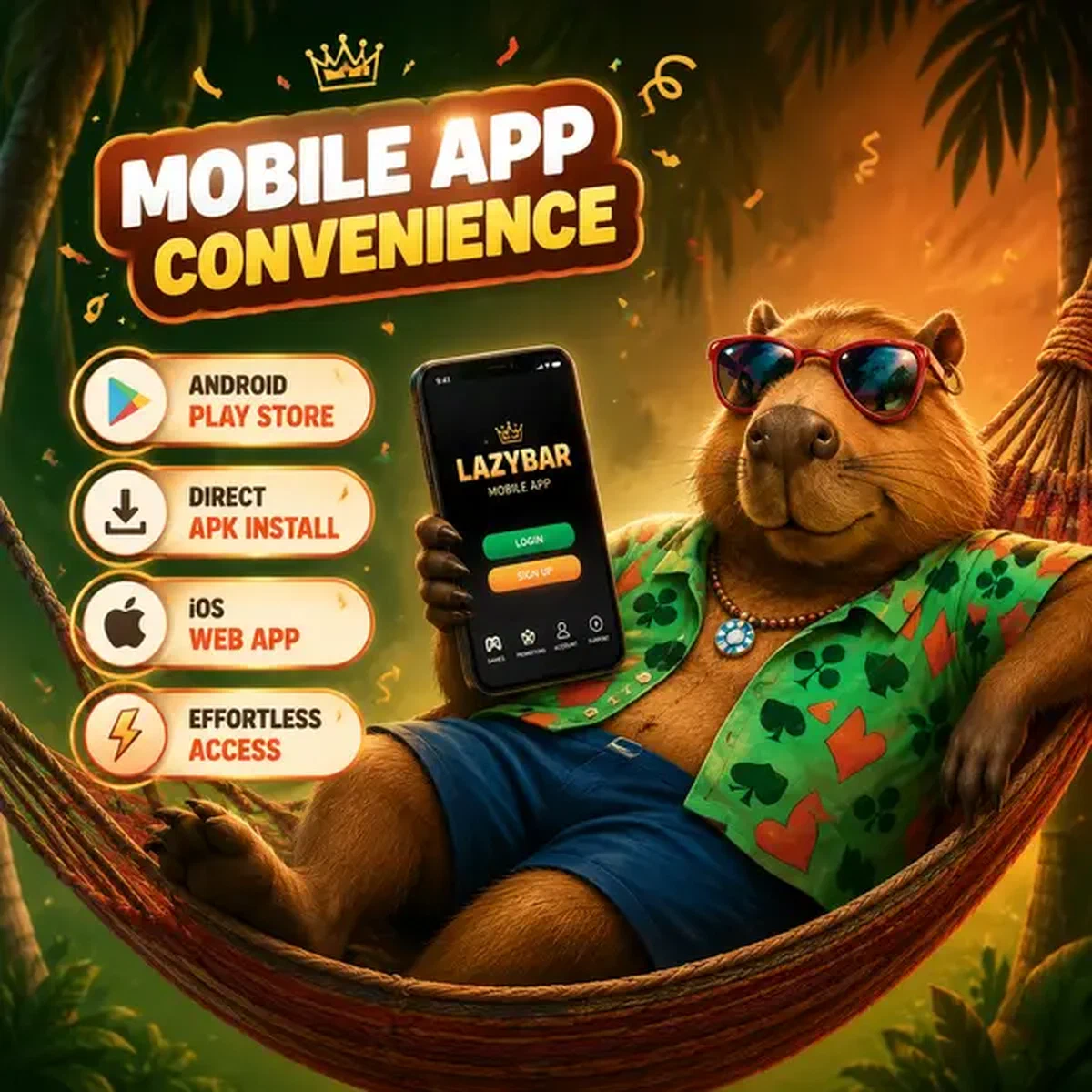
LazyBar Mobile App Download and Installation
Two routes to the Android build, one for iOS. Here’s how each works:
-
Android via Google Play: Search for LazyBar or follow the Casino App install link in the site footer. The publisher is IGAMING AGENCY. Content rating is 18+, and the store categorises it under Slots and Single player. The listing currently holds #1 top in Casino.
-
Android via direct install: The footer link takes you straight to the APK without going through the Play Store. You may need to allow installs from unknown sources in your device settings before this works.
-
iOS: The operator confirms compatibility with iOS operating systems. There’s no separate App Store listing with a version number or file size publicly documented, so iOS users are best served by the mobile web app (covered below) until a dedicated store entry appears.
-
Mobile web (no install required): Load LazyBar.com in any mobile browser. The site detects your device and serves a layout optimised for mobile, tablet portrait, or tablet landscape. Every game, every payment method, every support channel is present. Nothing requires installation.
The native Android app is the more feature-complete route on that platform, particularly for push notifications and the Wheel of Fortune. The browser version is a genuine alternative, not a fallback.
Mobile-Optimized Demo Games

LazyBar Casino App Security and Biometric Login Features
The security architecture doesn’t change between desktop and mobile. SSL encryption runs across the LazyBar casino app the same way it runs on the full site, and the regulatory compliance standards applied to the platform extend to every mobile session.
One feature worth using: deposit restrictions can be configured directly from the app. You set a limit over a defined time period, and it applies immediately. That’s a responsible gambling control sitting inside the same interface where you deposit, which is a more practical placement than burying it in account settings somewhere.
The 18% uncapped Rakeback releases from as little as €0.1 directly to your account. Turning on push notifications means you’ll see each release as it lands, rather than checking manually.
Session security on mobile follows the same standards as the desktop platform. Your existing account credentials carry over, and the SSL layer handles the rest.
LazyBar Application Features vs Mobile Browser Experience
For most things, the LazyBar application and the mobile browser version cover the same ground. The full game library loads in both. Deposits and withdrawals work in both. Live chat, email and the FAQ section are accessible in both.
Where the native app adds something the browser doesn’t: push notifications. The app delivers real-time alerts for bonus activations, promotions and tournament entries. If you’re tracking the Weekly Cashback up to 25% or waiting on a tournament window across the 6,000+ title catalogue, the notification lands on your lock screen rather than requiring you to check in. Frequent tournaments and the Wheel of Fortune are also available directly within the app interface.
The browser version’s advantage is zero friction. No install, no storage used, works on any device with a modern browser. For players who switch devices or don’t want a casino app on their phone, it’s a clean option.
Push Notifications and Real-Time Updates
The notification system covers:
- Bonus activations and promotional offers, including time-sensitive cashback windows
- Tournament entries and results from the active events roster
- Wheel of Fortune availability and outcomes
- Account-level alerts (deposit confirmations, withdrawal status updates)
Support remains fully accessible on mobile through live chat, email and the FAQ section, so if a notification raises a question, the resolution path is right there.
In-App Payment Processing
Every payment method available on desktop works from the app. That includes all seven crypto options (BTC, ETH, LTC, BCH, USDT, XRP, DOGE) alongside the fiat methods. Deposits go through the same cashier interface you’d use on a larger screen, and withdrawals follow the same processing window. Nothing is restricted to desktop-only. If you want to deposit and claim the first leg of the welcome bonus entirely from your phone, the flow supports it.
Mobile Game Library and Provider Optimization
6,000+ titles, all built on HTML5, which means no separate mobile-specific library and no titles locked to desktop. What you see in the desktop lobby is what you get on your phone.
That includes the 59-title Lazybar Originals collection. Chicken Road, Chicken Road 2, Plinko1000, Penalty Unlimited, Joker’s Clash: these are in-house builds exclusive to this platform, and they load on the LazyBar mobile app the same as anywhere else. The 15-title Exclusive shelf from Maybrix Studios, Amiry Games, Good Luck Games and Alfa Games Studio sits alongside them, also mobile-compatible.
Live casino coverage on mobile runs through 9 live providers. The 308+ table count breaks down to 200 Blackjack tables, 69 Baccarat, 46 Roulette, 19 Game Shows, 75 Drops & Wins Live tables and 2 Poker rooms. All of it accessible in-app or through the mobile browser. A live Blackjack session on a phone screen isn’t the same experience as a 27-inch monitor, but the streams hold and the interface scales properly across the four layout modes (desktop, mobile, tablet portrait, tablet landscape).
The 111 providers include the studios you’d expect at this catalogue depth. Bonus Buy titles alone account for roughly 1,900 entries, and the Jackpots category runs to 35 titles, mostly Penguin King Hold & Win releases. None of that is gated behind a desktop-only requirement.


